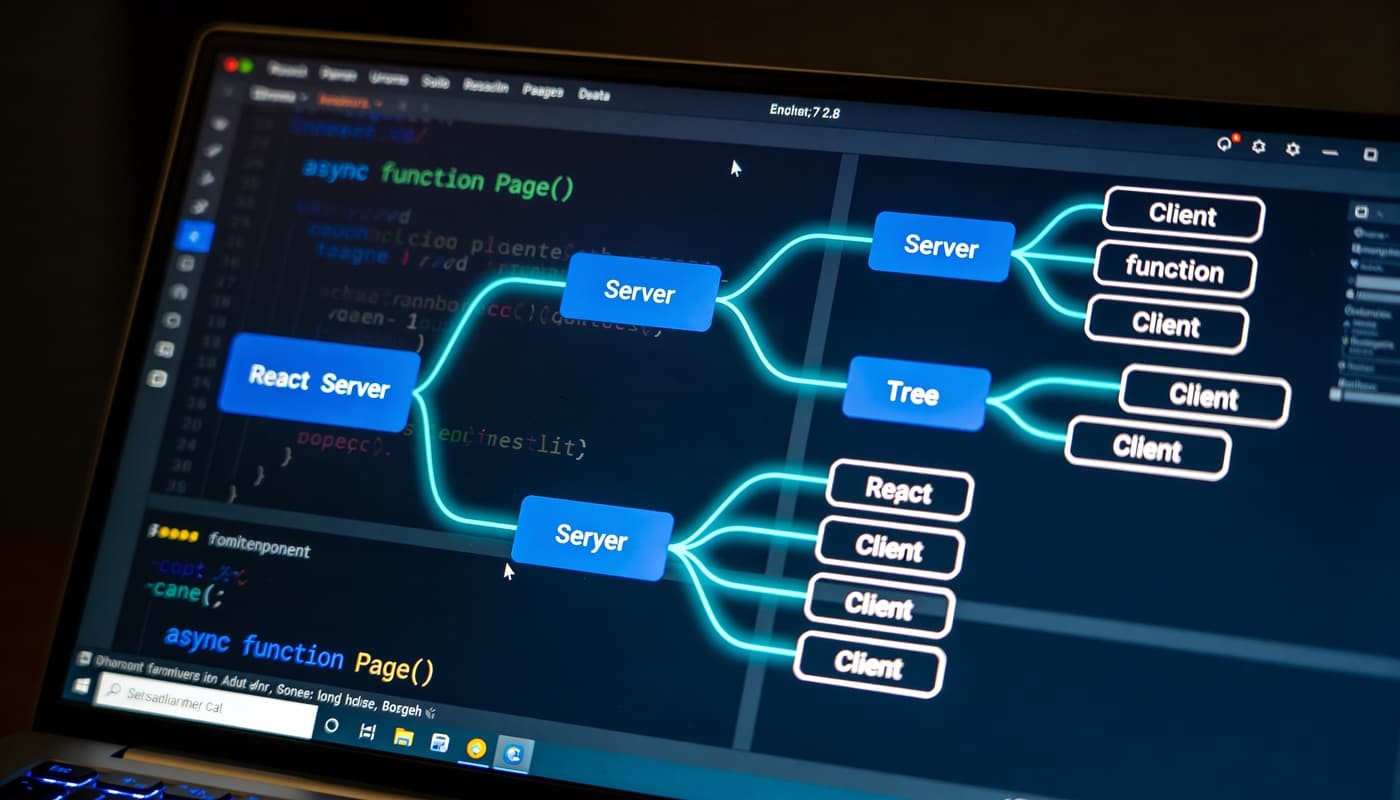
Next.js 16 RSC Payloads: Mastering Server Component Data Fetching
Next.js 16 introduces a fundamental shift in how server components communicate with the client. Rather than shipping JavaScript bundles that render on the client, Server Components serialize their rendered output into a compact, text-based streaming format—the RSC payload—which streams directly to the browser Getting Started: Server and Client Components | Next.js.
The RSC wire format represents React components as a sequence of instructions that tell the client exactly what DOM to render, without including component code itself. This is a paradigm shift from traditional server-side rendering, which sends HTML strings. Instead, you get a structured protocol.
Here's how serialization works in practice:
// app/products/page.tsx
import { Suspense } from 'react';
import { ProductList } from './components/ProductList';
import { ProductSkeleton } from './components/ProductSkeleton';

export default async function ProductsPage() {
  // This entire function runs on the server
  const products = await fetch('https://api.example.com/products', {
    next: { revalidate: 3600 } // ISR
  }).then(res => res.json());

  return (
    <div>
      <h1>Our Products</h1>
      <Suspense fallback={<ProductSkeleton />}>
        <ProductList products={products} />
      </Suspense>
    </div>
  );
}
When this component renders, Next.js 16 serializes the products array directly into the RSC payload. Non-serializable values—like functions or class instances—cause runtime errors. This constraint enforces a clean data boundary between server and client rfcs/text/0227-server-module-conventions.md at main · reactjs/rfcs.
//This will fail
export default async function BadExample() {
  const handleClick = () => console.log('clicked');

  return <ClientComponent onClick={handleClick} />; // Error!
}

//This works
'use client';

export function ClientComponent({
  onItemClick
}: {
  onItemClick: (id: string) => void
}) {
  return (
    <button onClick={() => onItemClick('123')}>
      Click me
    </button>
  );
}
Streaming Architecture with Suspense Boundaries
Streaming is where Next.js 16 delivers its most significant performance improvements. Rather than waiting for all data to load before sending HTML, the server streams chunks immediately, allowing the browser to render progressive updates.
The key to effective streaming is strategic Suspense boundary placement. Each boundary creates a separate chunk in the RSC payload that can stream independently:
// app/dashboard/page.tsx
import { Suspense } from 'react';
import { UserHeader } from './UserHeader';
import { Analytics } from './Analytics';
import { RecentActivity } from './RecentActivity';
import { Skeleton } from '@/components/Skeleton';

export default function DashboardPage() {
  return (
    <div>
      {/* This loads first - it's critical */}
      <Suspense fallback={<Skeleton width="100%" height={60} />}>
        <UserHeader />
      </Suspense>

      {/* These can load in parallel with independent fallbacks */}
      <div className="grid grid-cols-2 gap-4">
        <Suspense fallback={<Skeleton width="100%" height={300} />}>
          <Analytics />
        </Suspense>

        <Suspense fallback={<Skeleton width="100%" height={300} />}>
          <RecentActivity />
        </Suspense>
      </div>
    </div>
  );
}
At the network level, Next.js sends this as multiple chunks. The browser receives the HTML shell immediately, renders the fallbacks, then progressively swaps in the real content as each Suspense boundary resolves.
Network waterfall comparison Next.js 16 Performance: Server Components Guide:
- Traditional SSR: Wait for all data → Render HTML → Send full page (~2.5s)
- Next.js 16 Streaming: Send shell immediately → Stream UserHeader → Stream Analytics + RecentActivity in parallel
The use() Hook vs. Traditional Promise Handling
Next.js 16 introduces the use() hook, which fundamentally changes how client components consume promises from server components. This is not async/await—it's a new primitive designed specifically for the RSC architecture.
// app/products/[id]/page.tsx - Server Component
async function getProductWithReviews(id: string) {
  const productPromise = fetch(`/api/products/${id}`).then(r => r.json());
  const reviewsPromise = fetch(`/api/products/${id}/reviews`).then(r => r.json());

  // Return both promises - they'll fetch in parallel
  return { productPromise, reviewsPromise };
}

export default async function ProductPage({
  params
}: {
  params: { id: string }
}) {
  const { productPromise, reviewsPromise } = await getProductWithReviews(params.id);

  return (
    <Suspense fallback={<ProductSkeleton />}>
      <ProductDetail productPromise={productPromise} />
    </Suspense>
  );
}
// components/ProductDetail.tsx - Client Component
'use client';

import { use } from 'react';

export function ProductDetail({
  productPromise
}: {
  productPromise: Promise<Product>
}) {
  // use() unwraps the promise, and triggers Suspense on the parent
  const product = use(productPromise);

  return (
    <div>
      <h1>{product.name}</h1>
      <p className="text-lg font-semibold">${product.price}</p>
      {/* Component renders after promise resolves */}
    </div>
  );
}
The critical difference: use() integrates with React's Suspense system. When a promise passed to use() is pending, it throws that promise, which Suspense catches. This is fundamentally different from async/await in client components, which don't exist—you can't make client components async.
Eliminating Request Waterfalls with Parallel Fetching
The most common performance mistake in RSC applications is sequential data fetching, which creates unnecessary latency. Next.js 16 encourages parallel patterns.
// WATERFALL - Bad performance
export async function UserProfile({ userId }: { userId: string }) {
  // Wait for user first
  const user = await fetch(`/api/users/${userId}`).then(r => r.json());

  // Then wait for posts - can't start until user data arrives
  const posts = await fetch(`/api/users/${userId}/posts`).then(r => r.json());

  // Then wait for recommendations
  const recommendations = await fetch(`/api/recommendations`, {
    headers: { 'User-ID': userId }
  }).then(r => r.json());

  return (
    <div>
      <h1>{user.name}</h1>
      <PostList posts={posts} />
      <Recommendations items={recommendations} />
    </div>
  );
}
In this waterfall, if each request takes 200ms, total time is 600ms. Here's the parallel version:
// PARALLEL - Good performance
export async function UserProfile({ userId }: { userId: string }) {
  // Start all requests simultaneously
  const [user, posts, recommendations] = await Promise.all([
    fetch(`/api/users/${userId}`).then(r => r.json()),
    fetch(`/api/users/${userId}/posts`).then(r => r.json()),
    fetch(`/api/recommendations`, {
      headers: { 'User-ID': userId }
    }).then(r => r.json())
  ]);

  return (
    <div>
      <h1>{user.name}</h1>
      <PostList posts={posts} />
      <Recommendations items={recommendations} />
    </div>
  );
}
Same three requests, but total time is ~200ms (one round trip) instead of 600ms. This is the single biggest optimization opportunity in most RSC migrations.
Request Deduplication with cache() and the use cache directive
Next.js 16 provides two caching mechanisms for request deduplication. The cache() function deduplicates within a single render, while the 'use cache' directive (Cache Components) provides longer-lived, tag-based caching via the stable cacheLife and cacheTag APIs from next/cache Guides: Caching | Next.js.
// lib/api.ts
import { cache } from 'react';
import { cacheLife, cacheTag } from 'next/cache';

// Per-render deduplication (React.cache)
export const getUser = cache(async (id: string) => {
  const res = await fetch(`https://api.example.com/users/${id}`);
  return res.json();
});

// Longer-lived caching via the v16 `use cache` directive
export async function getPostsFromCache(userId: string) {
  'use cache';
  cacheLife('hours');                    // policy from cacheLife profiles
  cacheTag(`user-${userId}-posts`);      // tag for targeted invalidation
  const res = await fetch(`https://api.example.com/users/${userId}/posts`);
  return res.json();
}
// app/dashboard/page.tsx
import { getUser } from '@/lib/api';

export default async function Dashboard() {
  // Even though getUser() is called 3 times, it only runs once
  const user1 = await getUser('123');
  const user2 = await getUser('123');
  const user3 = await getUser('123');

  console.log(user1 === user2 && user2 === user3); // true — same cached reference

  return <div>{user1.name}</div>;
}
This is especially valuable in complex component trees where multiple components need the same data:
// Efficient - single database query
export default async function Page() {
  return (
    <>
      <Header userId="123" />
      <Sidebar userId="123" />
      <Main userId="123" />
    </>
  );
}

async function Header({ userId }: { userId: string }) {
  const user = await getUser(userId); // First call
  return <header>{user.name}</header>;
}

async function Sidebar({ userId }: { userId: string }) {
  const user = await getUser(userId); // Deduped!
  return <aside>{user.name}</aside>;
}

async function Main({ userId }: { userId: string }) {
  const user = await getUser(userId); // Deduped!
  return <main>Content</main>;
}
Before and After: Real-World Refactoring
Let's examine a concrete migration from Pages Router patterns to App Router RSC patterns:
// OLD: pages/products.tsx (Pages Router + getServerSideProps)
import { GetServerSideProps } from 'next';
import { useState, useEffect } from 'react';

export default function ProductsPage({ initialProducts }: any) {
  const [products, setProducts] = useState(initialProducts);
  const [loading, setLoading] = useState(false);

  useEffect(() => {
    // Client-side refetch - wasteful
    const refetch = async () => {
      setLoading(true);
      const res = await fetch('/api/products');
      setProducts(await res.json());
      setLoading(false);
    };
    refetch();
  }, []);

  if (loading) return <div>Loading...</div>;

  return (
    <ul>
      {products.map(p => (
        <li key={p.id}>{p.name}: ${p.price}</li>
      ))}
    </ul>
  );
}

export const getServerSideProps: GetServerSideProps = async () => {
  const res = await fetch('https://api.example.com/products');
  const products = await res.json();

  return {
    props: { initialProducts: products },
  };
};
// NEW: app/products/page.tsx (App Router + RSC)
import { Suspense } from 'react';
import { ProductList } from './components/ProductList';
import { ProductSkeleton } from './components/ProductSkeleton';

export const revalidate = 60; // ISR at route level

async function getProducts() {
  const res = await fetch('https://api.example.com/products', {
    next: { revalidate: 60 }
  });
  return res.json();
}

export default async function ProductsPage() {
  return (
    <Suspense fallback={<ProductSkeleton />}>
      <ProductList />
    </Suspense>
  );
}

async function ProductList() {
  const products = await getProducts();

  return (
    <ul>
      {products.map(p => (
        <li key={p.id}>{p.name}: ${p.price}</li>
      ))}
    </ul>
  );
}
The benefits are substantial: no client-side state management, no hydration mismatch, automatic streaming, and simpler code. The component is now a pure async function with no hooks or effects.
Conclusion
Next.js 16's Server Components represent a fundamental architectural shift that requires deep understanding of the RSC wire format, streaming mechanics, and promise handling. The performance gains—particularly from eliminating waterfalls and reducing client-side JavaScript—are substantial for data-heavy applications.
At ClearPath Consultants, we help organizations navigate complex technology transformations like this. Whether you're evaluating a migration to Next.js 16, optimizing your current RSC implementation, or building a strategy around modern data fetching patterns, our team of senior engineers brings both theoretical depth and practical production experience.
Ready to modernize your React architecture? Let's discuss how Server Components can accelerate your application's performance and simplify your development workflow. Contact our technology consultants today.

Chief Technology Officer
Raymond brings over 15 years of experience leading enterprise technology transformations. Before joining ClearPath, he architected cloud migration strategies for Fortune 500 companies and led engineering teams at two successful SaaS startups. He specializes in helping mid-market businesses modernize their technology infrastructure without disrupting operations.